How to Create a Custom Voice for Voice-Over
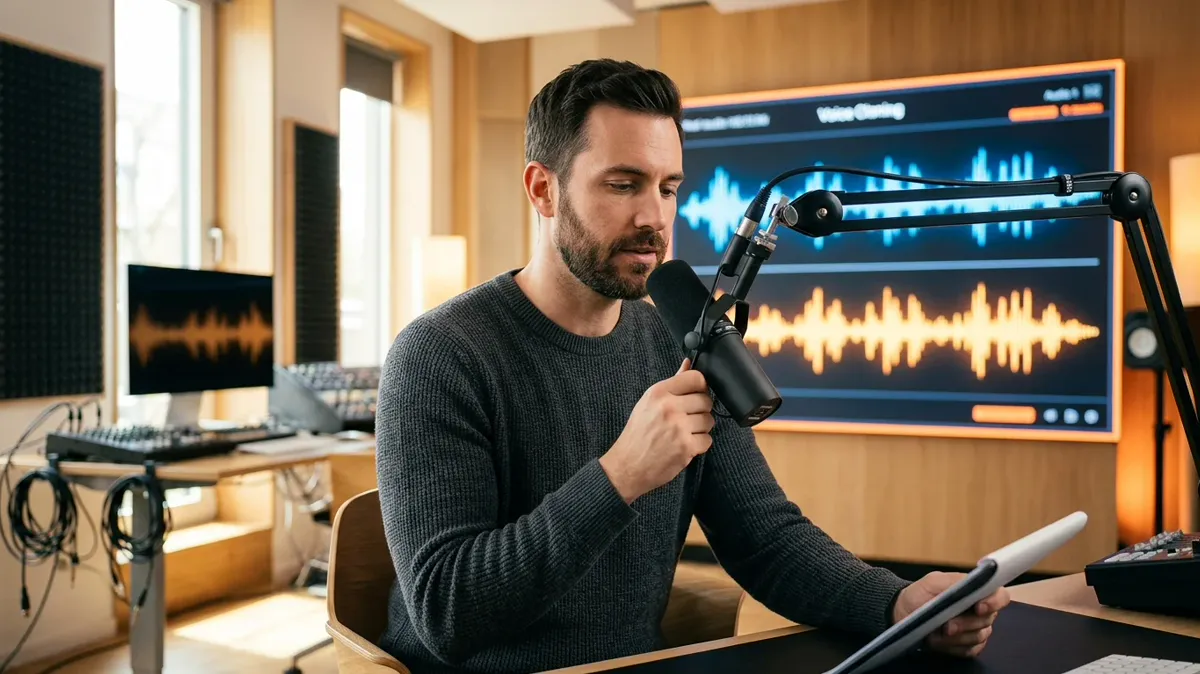
Your own voice means recognition. Now you no longer have to record it again every time: you can create a private, custom voice model for voicing your content.
What you need to create a voice
- A short sample — a microphone recording or a ready file (audio or video).
- Clean speech with no music or noise in the background.
- Consent to use it — only your own voice or a voice you have the rights to.
Three steps
In the "Create a voice" wizard you record a sample, fill in a name and language, wait a couple of minutes for processing — and the voice appears in the catalogue marked "Mine". From there you can refine it with presets: remove noise and echo, even out the volume.
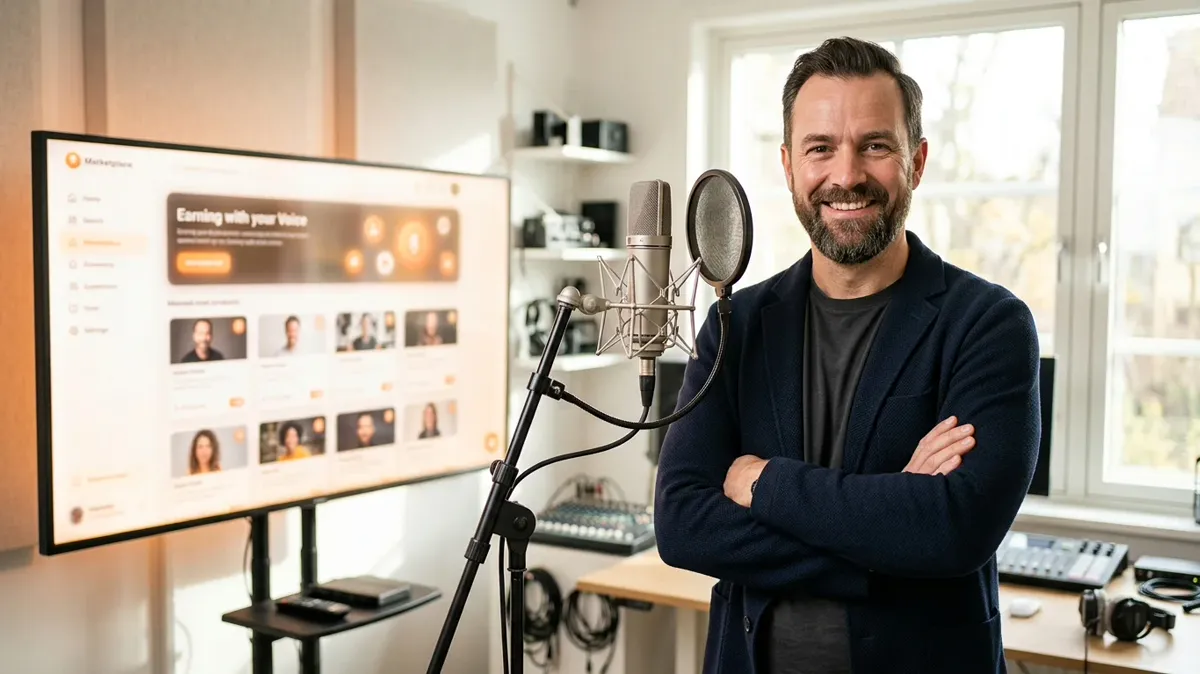
Creating a voice does not mean publishing it in the Marketplace: the voice stays private until you submit it for review yourself.
Where it comes in handy
For creators — voicing clips without recording; for course authors — updating lessons in the same voice; for brands — a single voice across all materials. Publishing author voices in the Marketplace is a separate process handled through moderation.
自己试试 — 免费入门字符包,注册后可用。